Connected supplierHelloprint is a European online print platform offering a broad range of printed products, marketing materials, and branded merchandise.

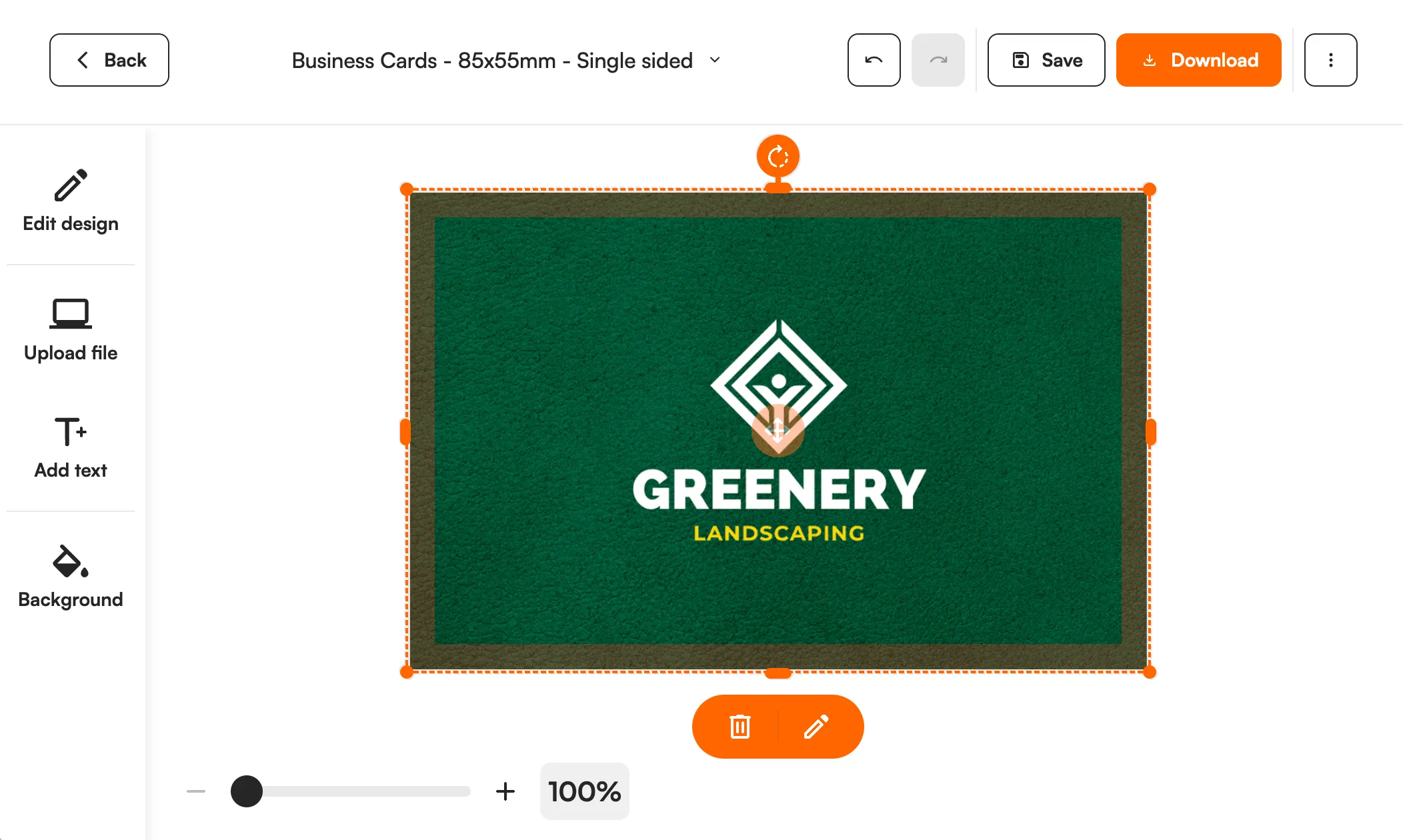
FastEditor prepares artwork for 25 Helloprint product groups, from flags and letterheads to lanyards. Uploads are checked against the print specification, and you get a branded proof and a print-ready file for digital or offset printing.
Helloprint is an online print platform based in Rotterdam in the Netherlands that fulfils orders through a network of print partners rather than a single press, with more than half a million customers to date. Its 25 product groups here cover printed staples such as business cards, flyers, posters and large-format banners.
Printed products fail at the file stage: low resolution, missing bleed or a logo that will not hold at size. When a reseller uploads artwork on a Helloprint product page, FastEditor vectorizes the logo when the selected decoration technique requires vector output, checks it against the product's print specification, previews it in place, and outputs a print-ready file with a branded proof. The customer approves a correct file before it goes to a print partner.
Helloprint's range is connected through the FastEditor Product Hub, so each printed product carries the print specification needed to validate uploaded artwork before it reaches a print partner.
The Helloprint catalogue is available through the Product Hub for resellers across Europe.
Every product, with print positions and decoration methods attached, ready to drop into your webshop.

Digital printing, offset printing
Printed products need artwork built for the press. To keep a Helloprint order print-ready:
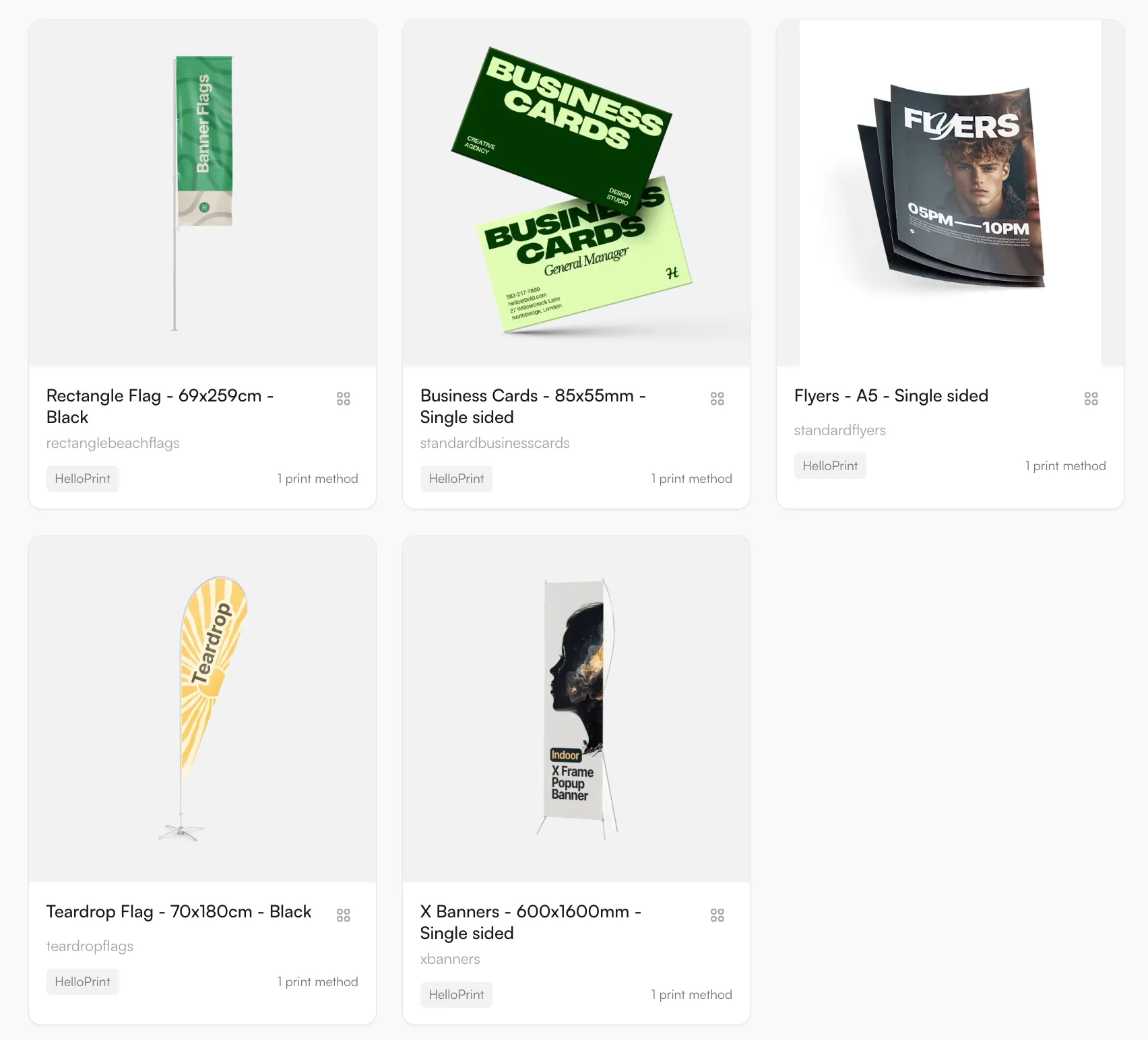
25 Helloprint product groups are in the Product Hub. Helloprint is an online print platform based in Rotterdam that fulfils orders through a network of print partners. The groups cover printed products such as business cards, flyers, posters and banners. Examples are a feather flag of 40 x 240 cm, letterheads and a lanyard with full colour print on both sides.
Two methods are mapped: digital printing and offset printing. Both are full colour, so the usual problems are not colour counts but file quality: resolution that is too low for the size, text too close to the cut, and missing bleed. Each product carries its trim, bleed and safe zones, and the editor checks the upload against them. Large formats such as flags need a file that still holds at full size, so the resolution check is made against the real output size.
Use the Studio Tool to prepare a file and a proof for a customer, or the Logo Editor on your webshop so customers upload and approve their own design. Logos are vectorized when the product needs vector output. The result is a print-ready file and a proof, and the customer approves a correct file before it goes to print.
Logo Editor or Studio Tool?
For internal sales & account management teams
For your webshop
Helloprint connects 25 product groups through the FastEditor Product Hub, covering printed staples such as business cards, flyers, posters and large-format banners. Each product carries the trim, bleed and print specification FastEditor uses to validate uploaded artwork before it reaches a print partner.
The methods mapped for Helloprint include digital printing, offset printing. Each product carries the methods available for it, with the colour and line-weight limits that method imposes.
Yes. FastEditor generates a proof and a production file using the selected product and decoration technique’s configured supplier specifications. Raster logos are vectorized automatically when vector output is required; otherwise vectorization may be recommended and is optional. In Studio Tool, generate the files with Download. In Logo Editor, the webshop sends a Sale Notification after the customer places the order to trigger file generation. The production format depends on the configuration and can be JPG, PNG, PDF or SVG. Embroidery DST output is currently in testing and is not yet available.
Helloprint fulfils through a network of print partners, and FastEditor sits at the artwork step in front of that network. A customer uploads a logo, FastEditor validates it against the product's print specification and returns a print-ready file with a branded proof, so the file that reaches a partner has already passed resolution and safe-zone checks.