Connected supplierAS Colour is a premium fashion blanks supplier producing high-quality casualwear for the European and global promotional and corporate apparel market.

605 AS Colour products are in the FastEditor Product Hub across three regional collections. Print positions are mapped for screen printing, DTG, embroidery and DTF transfer, so customers place a design on the garment colour they order and you get a proof and the prepared artwork.
AS Colour is a premium blanks brand, originally from New Zealand, known for heavyweight, retail-fit t-shirts, hoodies and sweats that have become a favourite base for branded and fashion-led merchandise. For a reseller, the appeal is a clean, consistent blank that decorates beautifully, and the work is making sure a customer's artwork sits and prints correctly on it before the order is placed.
FastEditor connects to the AS Colour catalogue, with print positions and decoration methods attached to each garment. A customer uploads their logo on your product page, places it, and the file that reaches production is vectorized automatically when vector output is required for the selected decoration technique, checked against the rules for that garment and method, and ready to decorate. When vector output is not required, vectorization may be recommended to improve quality but is optional.
The AS Colour connection keeps product data, variants, colours and decoration positions in sync, so a garment that changes or drops out of the range is reflected in your store without editing a spreadsheet.
Three things travel with every garment:
Every product, with print positions and decoration methods attached, ready to drop into your webshop.

Screen printing, DTG, Embroidery, DTF transfer
Fashion-grade blanks reward clean decoration, and FastEditor validates a design against the rules for the chosen garment and method before any production file is generated. The checks that run on each upload:
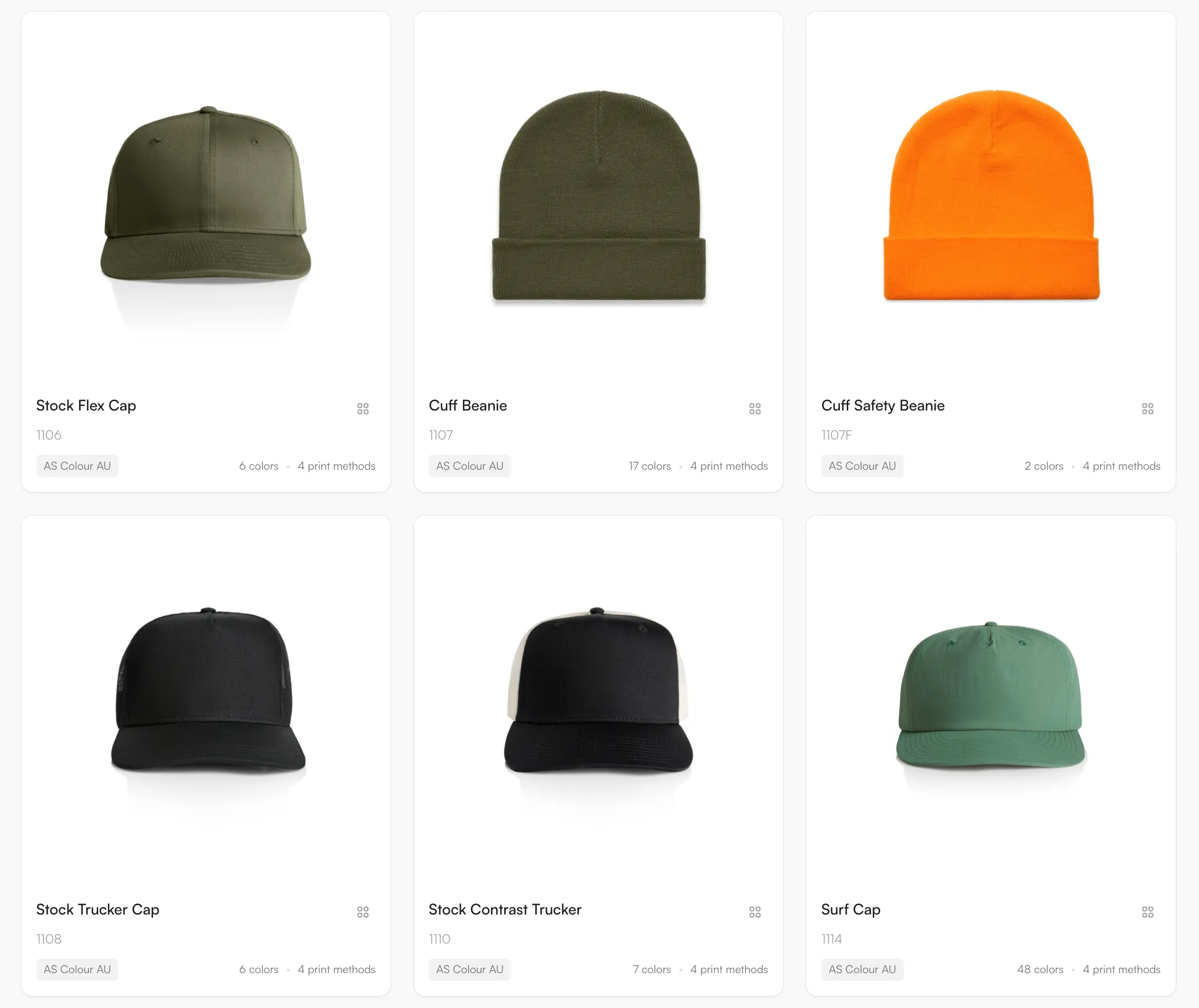
605 AS Colour products are in the Product Hub, spread over three regional collections so a reseller can offer the range that ships in its own region. AS Colour is a blanks brand from New Zealand, known for heavyweight tees, hoodies and sweats. Examples are the Finn Two-Tone Nylon Cap, the Unisex Heather CVC Short Sleeve Tee and the Cyrus Windbreaker. The catalogue updates daily.
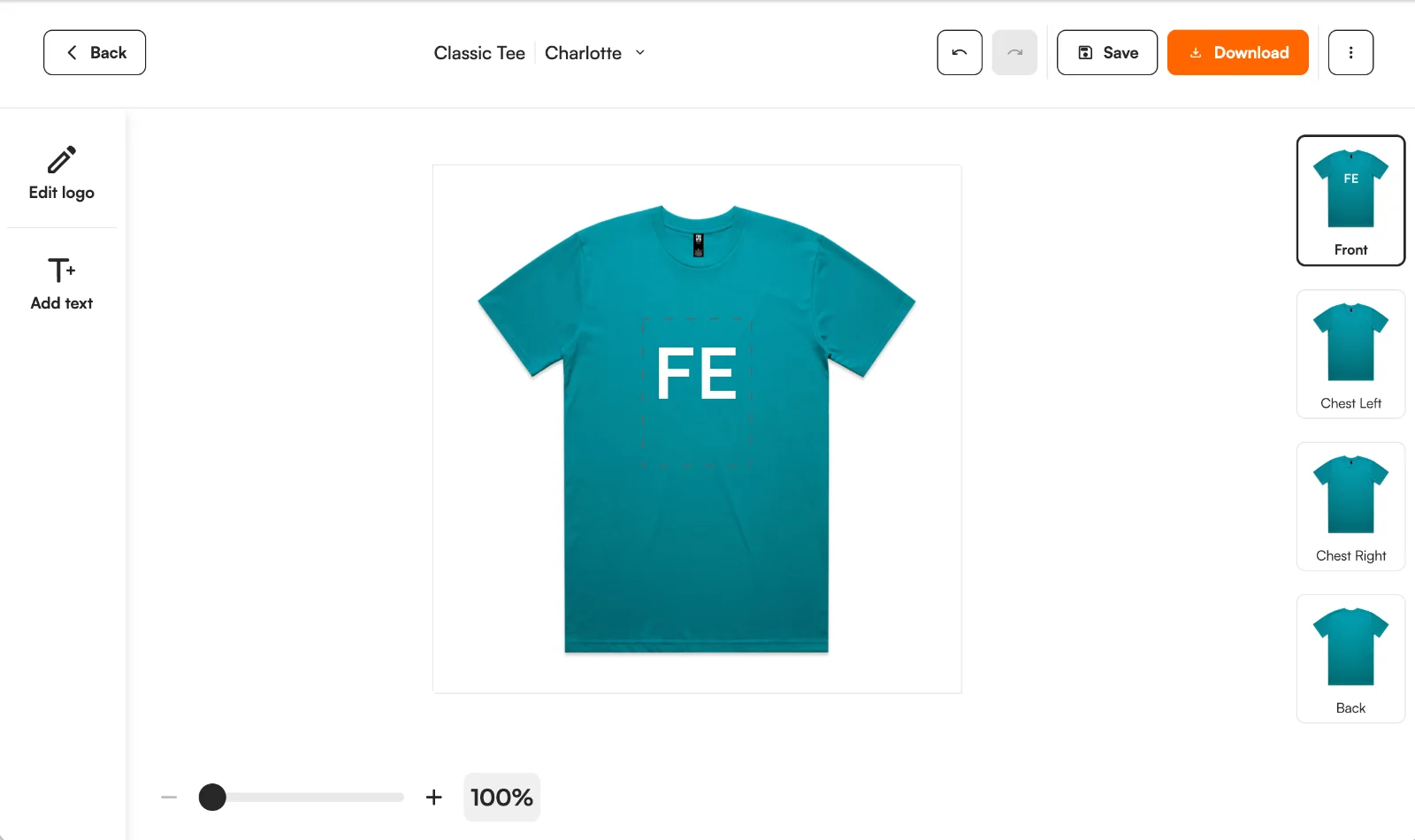
Four methods are mapped: screen printing, DTG, embroidery and DTF transfer. Screen printing uses spot colours, so the number of colours in a design counts. DTG and DTF allow full colour and suit small runs. Embroidery suits caps and chest logos. The editor places the design inside the print position of the chosen garment and shows it on the garment colour. For embroidery, FastEditor prepares and checks the artwork today. Embroidery file (DST) output is in testing and not yet available.
AS Colour does not decorate garments itself, so the artwork step sits with the reseller and the decorator. Use the Logo Editor on your webshop in Shopify, WooCommerce or through the API, or the Studio Tool for quotes. Raster logos are vectorized when the method needs vector output, and each order gives you a proof and the prepared artwork to pass to your decorator.
These are AS Colour's own statements, read on its US website in November 2026. They are not FastEditor limits.
Source: AS Colour, embellishment FAQs. AS Colour can change these figures, so check before you quote them.
Logo Editor or Studio Tool?
For internal sales & account management teams
For your webshop
The AS Colour catalogue is available through the FastEditor Product Hub, with print positions and decoration methods attached to each garment. The range syncs so availability and specifications stay current.
Screen printing, direct-to-garment (DTG), embroidery and DTF transfer, matched to each garment. Each method carries its own colour and detail limits, so a design is validated before it reaches production.
Yes. Front, back and sleeve positions are supported where the garment allows, and each is placed inside its real decoration area and proofed independently.
File generation is triggered by the configured route rather than produced on its own. In Studio Tool, use Download to generate the files for the selected product and decoration technique. In Logo Editor, the webshop sends a Sale Notification after the customer places the order to trigger file generation. The proof and production file follow the selected supplier configuration, and where the decoration technique requires vector output the logo is vectorized.